
Once you've created feedback submissions, it's important to manage them effectively and follow best practices to maximize the value of user input. Let's walk through how to manage and track feedback!
Manage Feedback Submissions
After creating feedback items, you can effectively manage them:
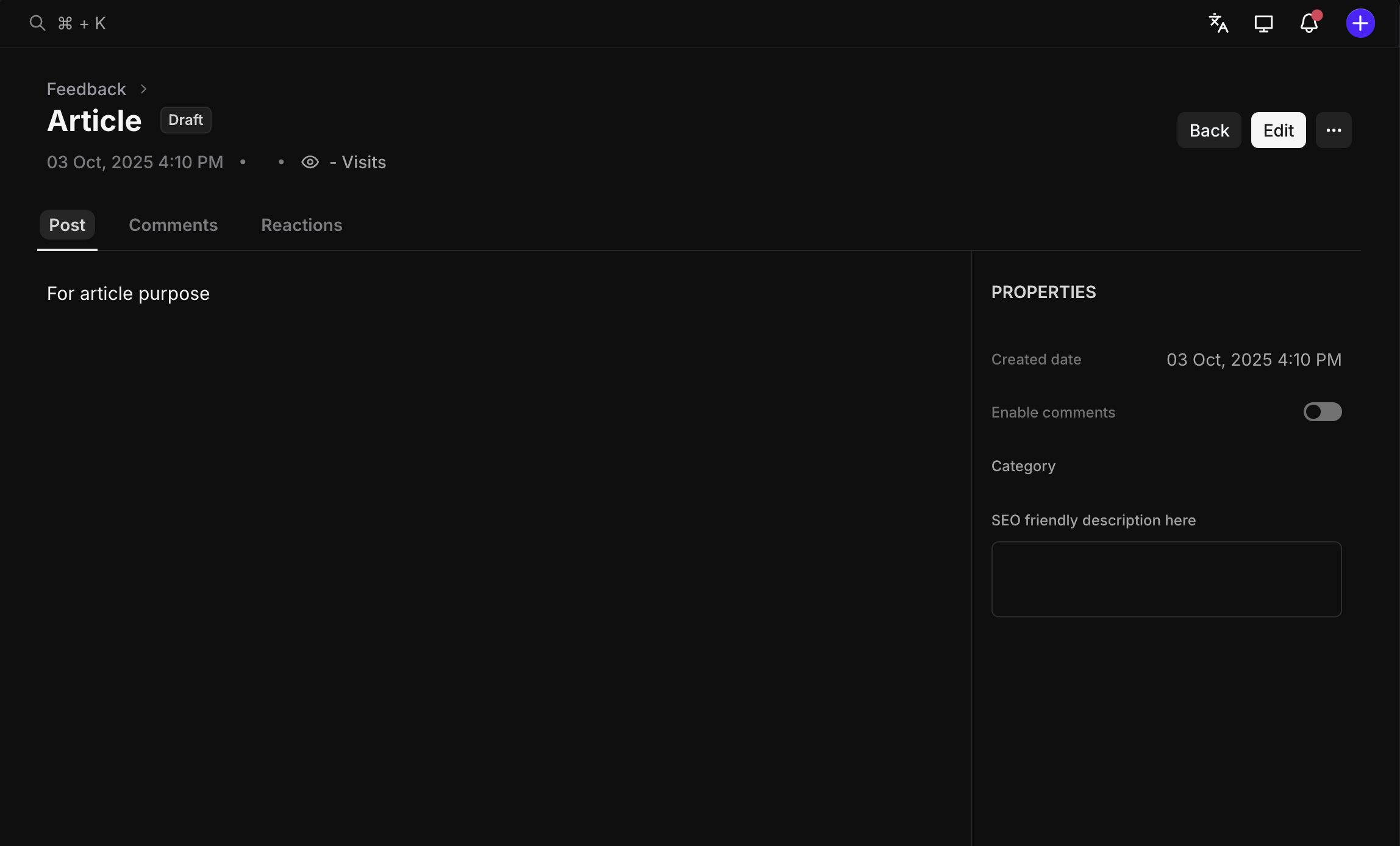
Track Status: Update feedback status as you work through them (In Review, Planned, In Progress, Completed)
View Comments: Click on any feedback submission to see all comments and discussions
Monitor Reactions: Track user reactions and engagement on specific feedback topics
Assign Ownership: Assign feedback items to team members for follow-up and resolution
Review Feedback Details
Click on any feedback submission to access detailed information:
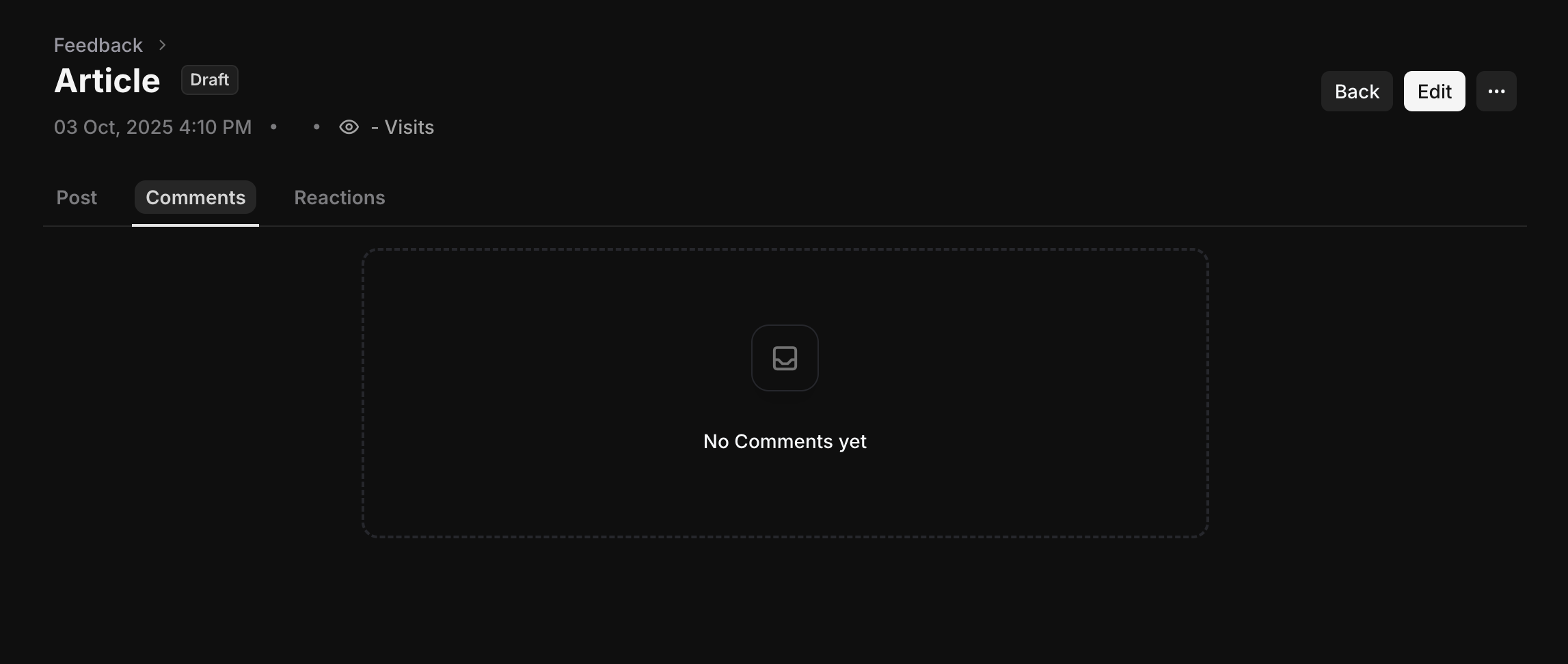
View All Comments: See the full conversation and discussion thread
Track Reactions: Monitor likes, votes, and other user engagement
Update Information: Edit the title, description, or other details as needed
Change Status: Move items through your workflow (In Review → Planned → In Progress → Completed)
Best Practices
Regular Review: Set up scheduled reviews of feedback submissions to stay on top of user input
Respond Promptly: Acknowledge feedback and provide updates on status changes
Categorize Effectively: Use tags and status updates to organize feedback by type and priority
Close the Loop: Follow up with users when their feedback is implemented or addressed
Wrapping Up
Managing Feedback effectively on Userorbit helps you turn user input into actionable improvements. Remember, the best feedback management involves regular engagement with submissions and clear communication about progress and decisions.
Need more help? contact our support team or click on the chat bubble below for personalized assistance.
Happy managing!