
Measure the impact of your checklists with step-level analytics and trend insights.
Where to find analytics
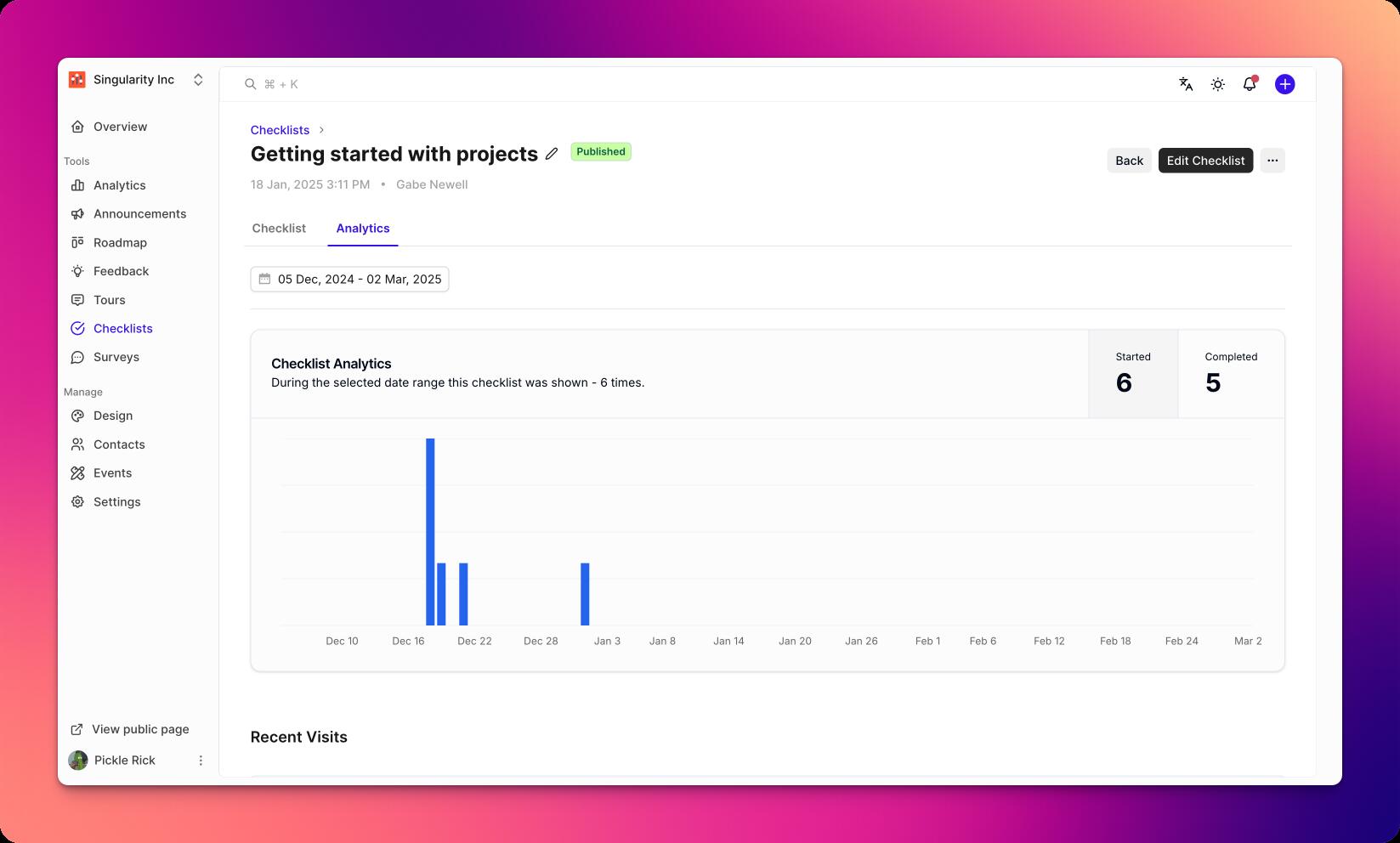
Go to Checklists and open a checklist.
Click the Analytics tab.
Adjust the date range and filters as needed.
Key metrics
Views: number of users who saw the checklist
Starts: users who began the checklist
Completion rate: percentage of users who finished all steps
Average time to complete: median duration from start to finish
Step drop-off: users exiting at each step
Step-level detail
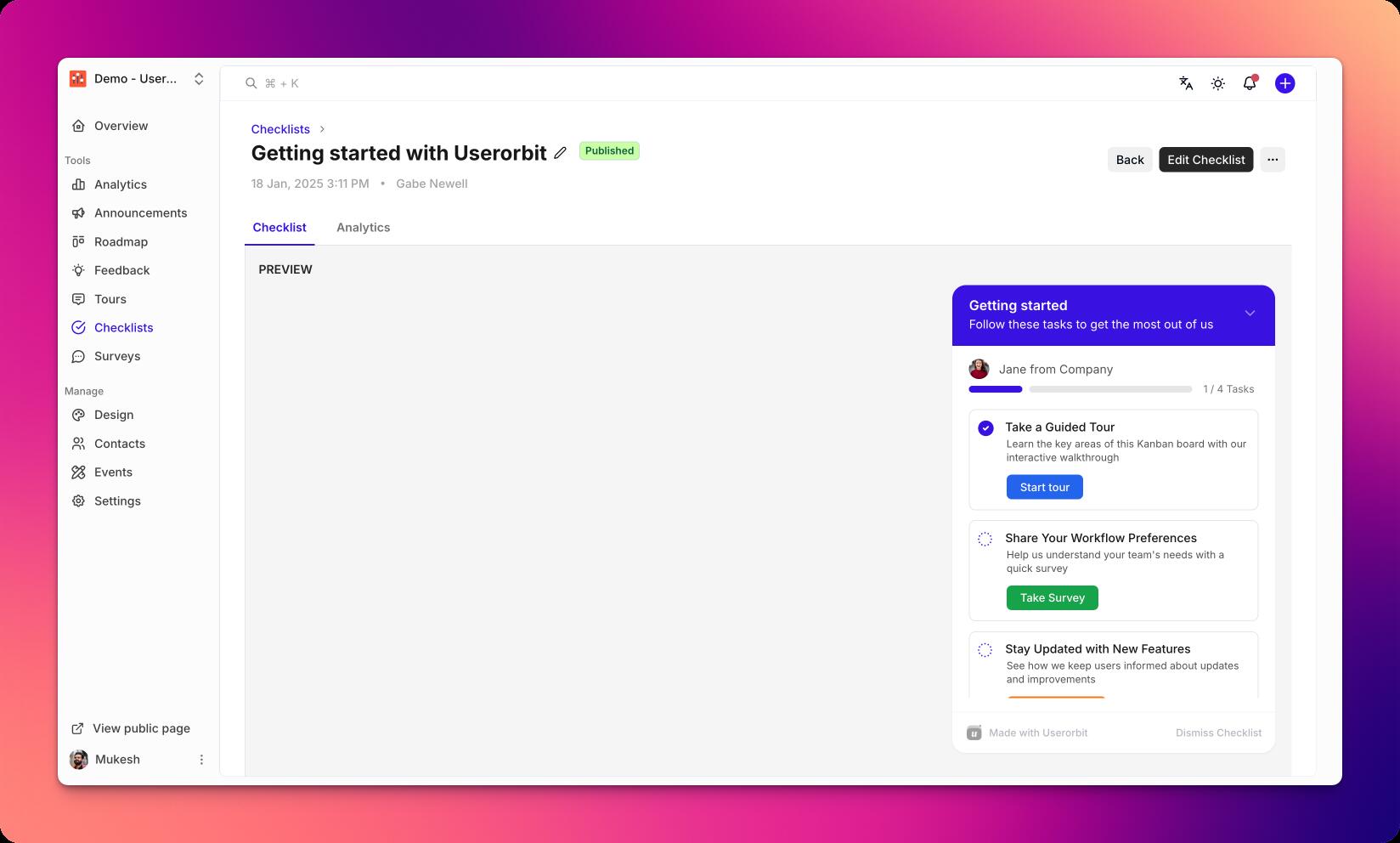
See conversion for each step and identify friction points
Drill into user cohorts by plan, role, or other properties
Export step data for deeper analysis
Improving performance
Remove or simplify high-drop-off steps
Add contextual help or tooltips on difficult steps
Retarget incomplete users with nudges
Split long checklists into focused variants
Troubleshooting
Missing data: verify the checklist is published and events are tracked
Low completion rate: review step difficulty and targeting fit
Spikes/drops: check release notes and product changes for context